Cinnamon Light.
A calm, light theme
for your APEX apps.
The light palette of ORDSwatch, packaged as a Theme Style for the Universal Theme: white header and navigation, soft grey page, one teal accent. One CSS file, MIT licence, free for any app.
APEX 24.2 or later · Universal Theme 42 · based on Vita · version 1.0.0


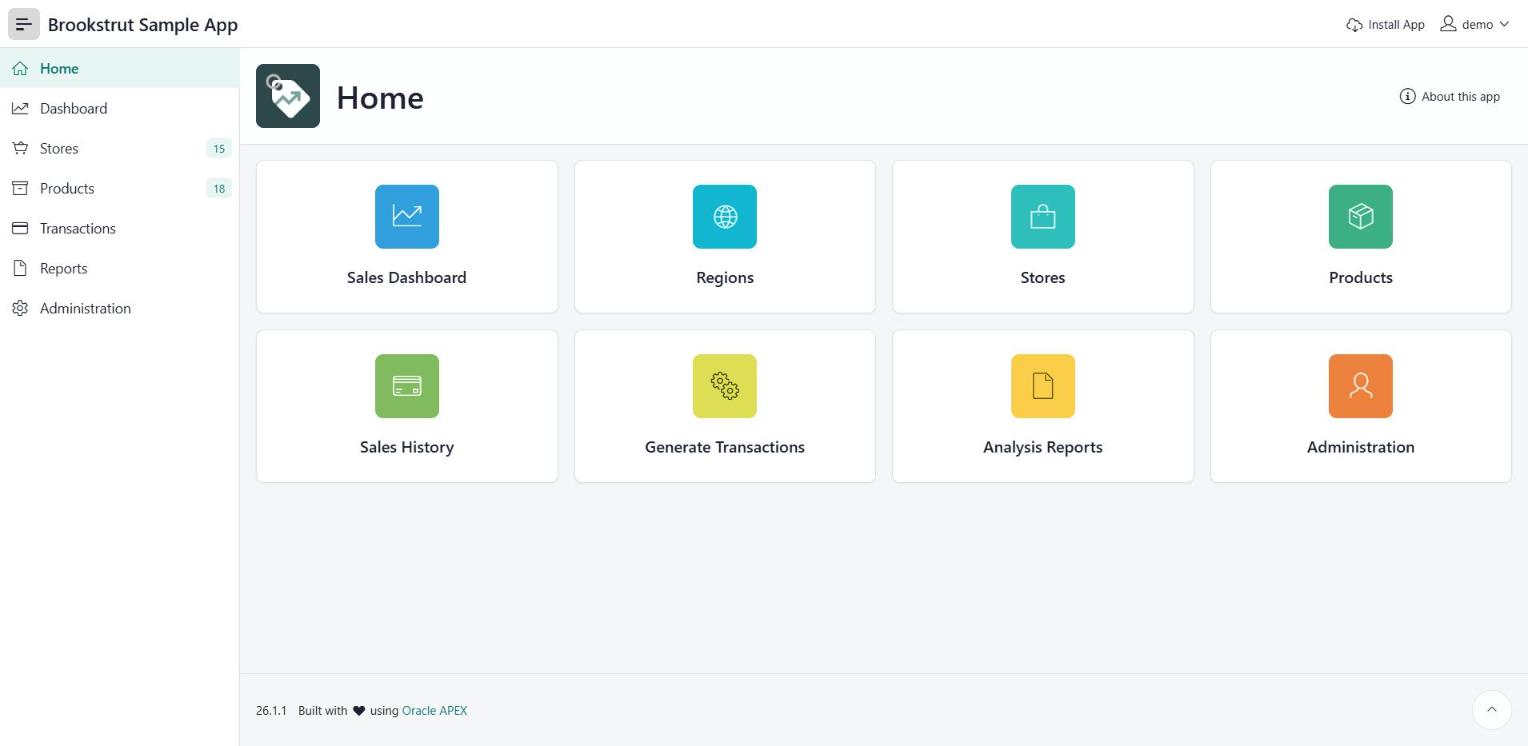

Menus, reports, faceted search, forms, buttons and the sign-in page all pick up the palette. Screenshots show Oracle's Brookstrut sample app running on APEX 26.1 with Cinnamon Light as its theme style. Nothing else in the app was changed.
- 1Upload the CSSShared Components → Static Application Files → Create File, and upload cinnamon-light.css.
- 2Add the Theme StyleShared Components → Themes → Universal Theme 42 → Styles → Add Style. Name it Cinnamon Light and set File URLs to Vita's file followed by #APP_FILES#cinnamon-light.css (the README has the exact lines).
- 3Make it currentPick Cinnamon Light as the Current Theme Style and apply. No template or page changes, so APEX upgrades keep working.
Just want to try it? Open Theme Roller in your running app, choose Vita, paste the CSS into Custom CSS and click Save As. The README in the zip has tips on fonts and changing the accent colour.
Oracle and APEX are trademarks of Oracle and/or its affiliates. Cinnamon Light is an independent theme by Cinnamons Consulting Services and is not affiliated with or endorsed by Oracle.